
Snapchat Viewer
View stories, highlights & spotlight anonymously
—
@user
Spotlights
Trusted by creators, marketers, and social media teams worldwide






Everything organized inside one modern viewer dashboard.
Managing Snapchat content can feel confusing when tools are scattered across different platforms. Snapchat Viewer brings the main viewing, download, activity, and analytics tools into one simple experience.
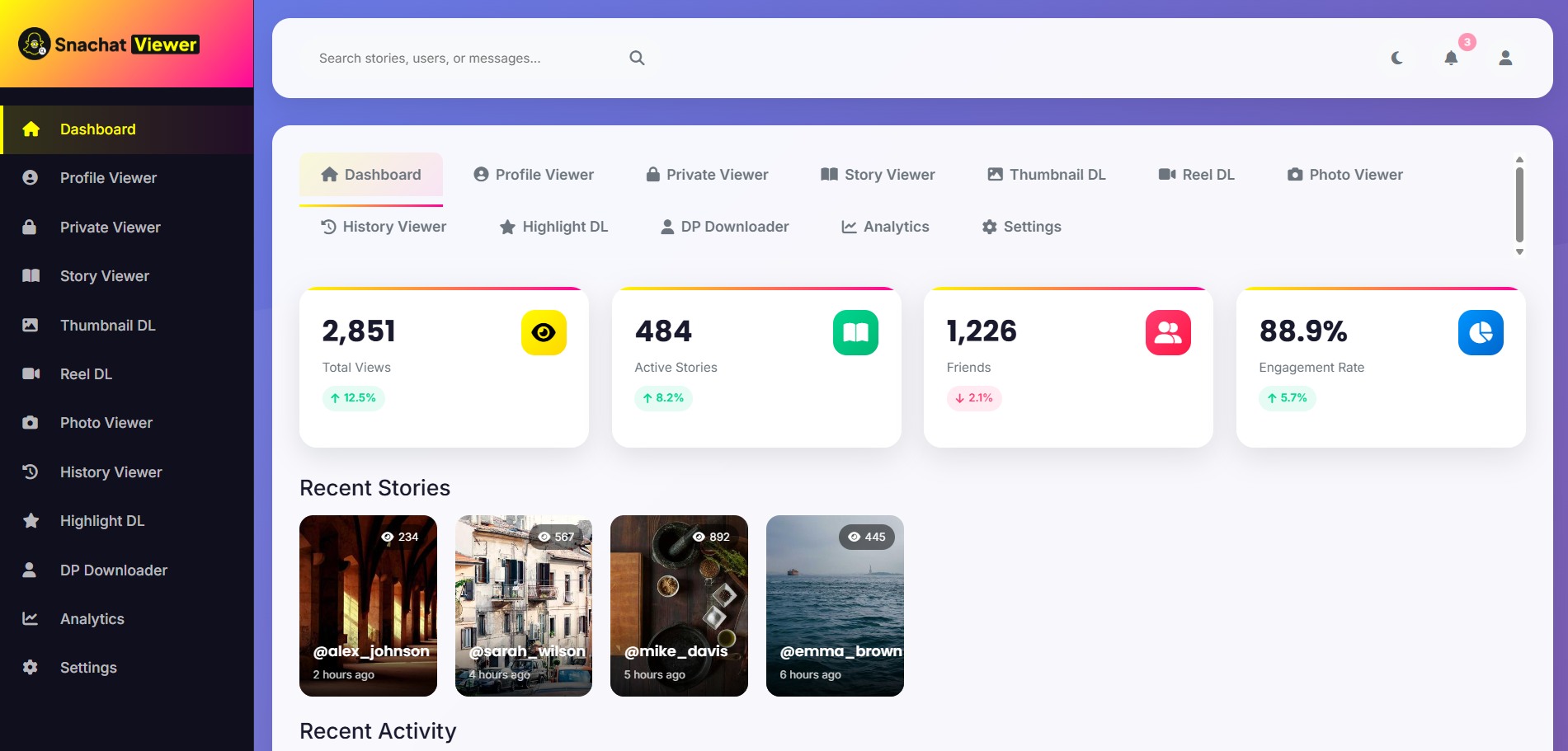
Open every Snapchat Viewer tool from one screen.
The Snapchat Viewer dashboard gives you quick access to profile tools, story tools, download tools, analytics, settings, and history. It keeps everything organized, fast, and easy to manage.
- Launch profile, story, reel, shorts, and photo tools quickly.
- Review history, settings, downloads, and analytics without jumping between platforms.
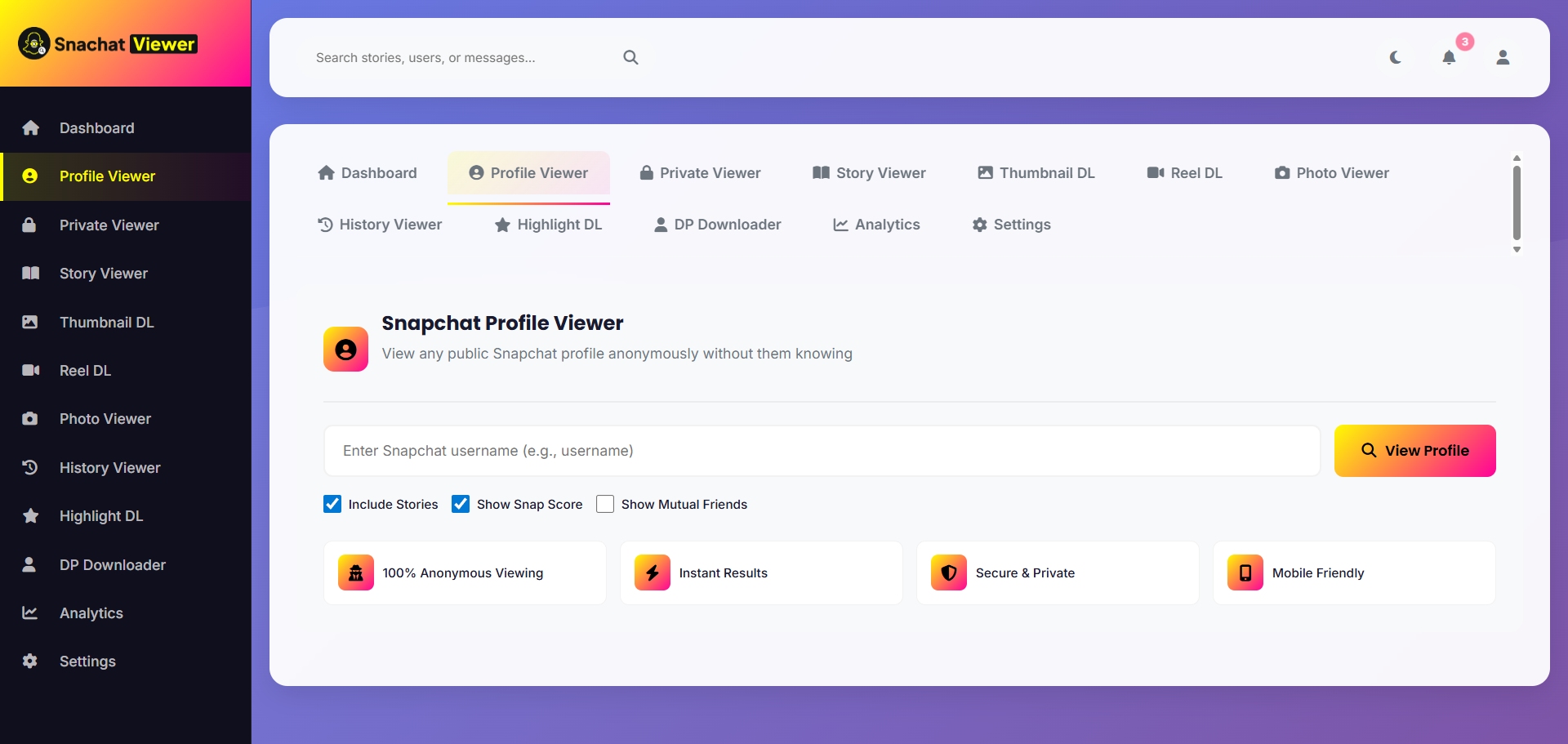
View profile details in a clean, privacy-aware format.
The Profile Viewer helps users check basic profile information and available profile content in a simple layout. The Private Viewer area is designed only for content you are authorized to access or content that is publicly available.
- Browse profile details without a cluttered interface.
- No illegal access, hacking, or bypassing privacy protections.
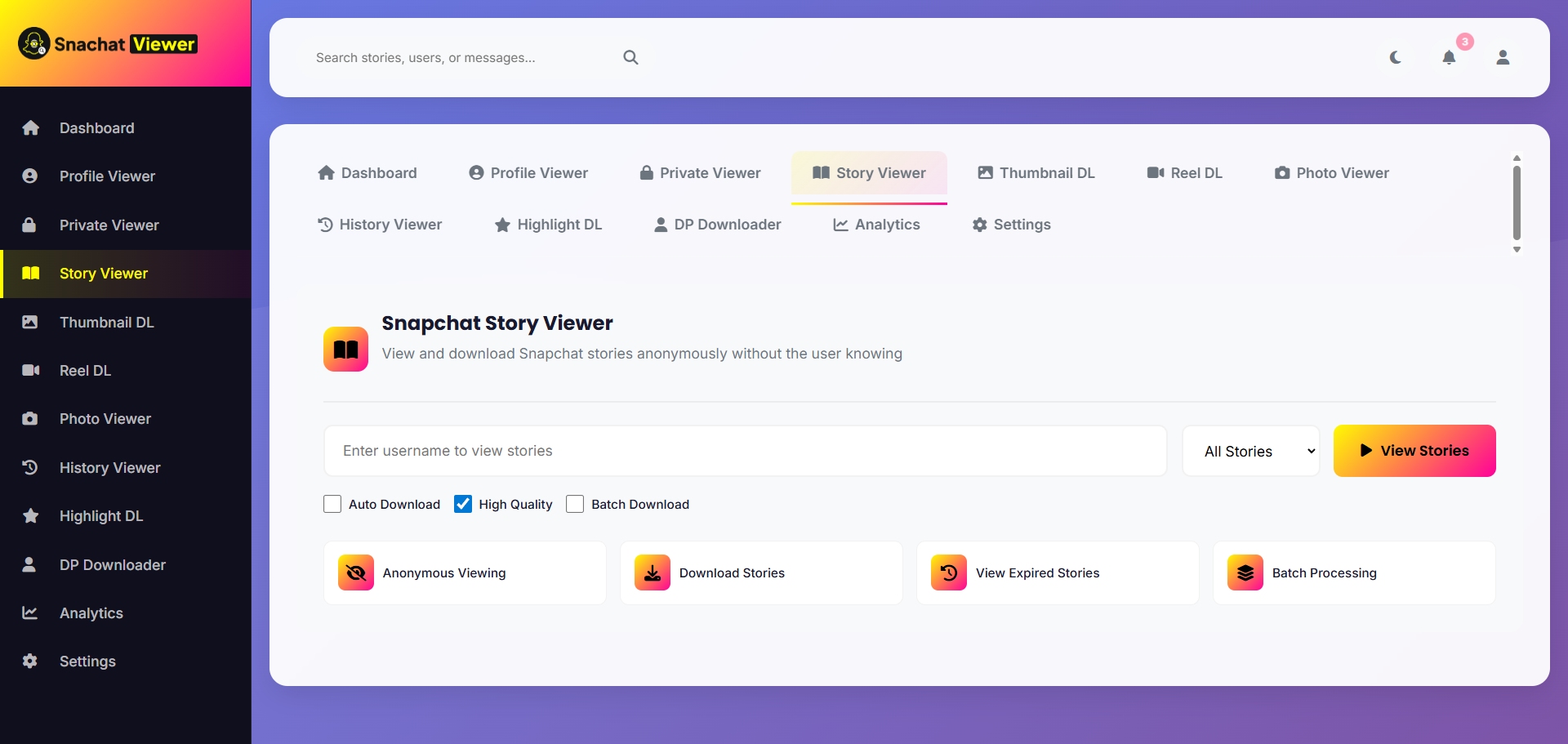
Browse Snapchat stories with a smooth viewing flow.
The Story Viewer allows users to browse Snapchat stories quickly. It is created for a fast, simple experience that helps users check stories without dealing with a cluttered layout.
- Simple story browsing for publicly available or authorized content.
- Fast interface built for mobile, tablet, and desktop visitors.
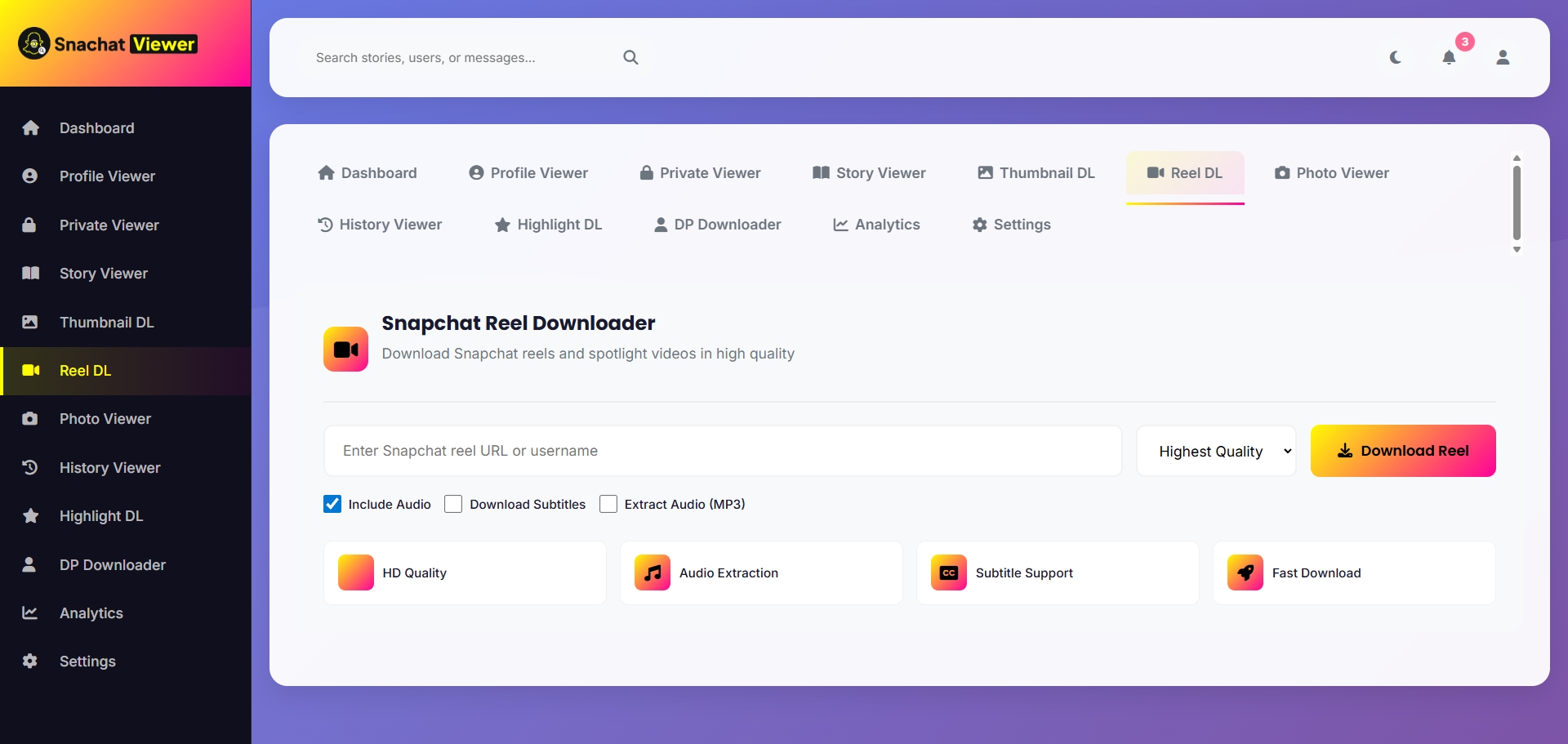
View short videos and save supported media faster.
Snapchat Viewer includes Reel and Shorts Viewer tools plus download options for thumbnails, reels, highlights, and display pictures where supported. It is useful for creators, marketers, and users who need organized media access.
- Use Thumbnail DL, Reel DL, Highlight DL, and DP Downloader in one place.
- Keep photos, quick clips, visual references, and research workflows easier to manage.
Paste, click, view or download.
Using Snapchat Viewer is quick and straightforward. You do not need any technical skills - just follow these three simple steps.
Paste the Link
Copy the Snapchat profile, story, reel, shorts, or media link you want to view, then paste it into the Snapchat Viewer tool.
Click to View
After pasting the link, click the view button to process supported content instantly inside the viewer dashboard.
View or Download
Now you can view the content directly or download supported media like thumbnails, reels, highlights, or display pictures.
Built for speed, simplicity, and real daily use.
Snapchat Viewer is designed for users who want convenience. Instead of using different tools for profiles, stories, reels, shorts, thumbnails, photos, and activity review, everything is available from one dashboard.
A simpler way to handle Snapchat viewing tasks.
Creators, marketers, and everyday users choose Snapchat Viewer when they want one clean place to view, download, and organize supported Snapchat content.
The dashboard feels fast and focused. I can move between profiles, stories, and thumbnails without opening a pile of separate tools.

Snapchat Viewer is easy enough for quick checks but still useful for content research. The history area saves me a lot of time.

I like that the viewer keeps everything organized. Reels, shorts, photos, and profile checks all feel simple from one screen.

The clean layout makes the tool feel more professional than the usual viewer sites. It is quick, direct, and easy to scan.

The dashboard feels fast and focused. I can move between profiles, stories, and thumbnails without opening a pile of separate tools.
Snapchat Viewer is easy enough for quick checks but still useful for content research. The history area saves me a lot of time.
I like that the viewer keeps everything organized. Reels, shorts, photos, and profile checks all feel simple from one screen.
The clean layout makes the tool feel more professional than the usual viewer sites. It is quick, direct, and easy to scan.
For planning short-form content, having reels, shorts, thumbnails, and profile viewing in one area is genuinely convenient.

I use the viewer when I need quick visual references. The design is simple, so I can get what I need without extra steps.

The download tools are placed where I expect them. It makes thumbnail and display picture tasks feel much less scattered.

Everything is clear from the first screen. The analytics and history sections make it better for repeat research work.

For planning short-form content, having reels, shorts, thumbnails, and profile viewing in one area is genuinely convenient.
I use the viewer when I need quick visual references. The design is simple, so I can get what I need without extra steps.
The download tools are placed where I expect them. It makes thumbnail and display picture tasks feel much less scattered.
Everything is clear from the first screen. The analytics and history sections make it better for repeat research work.
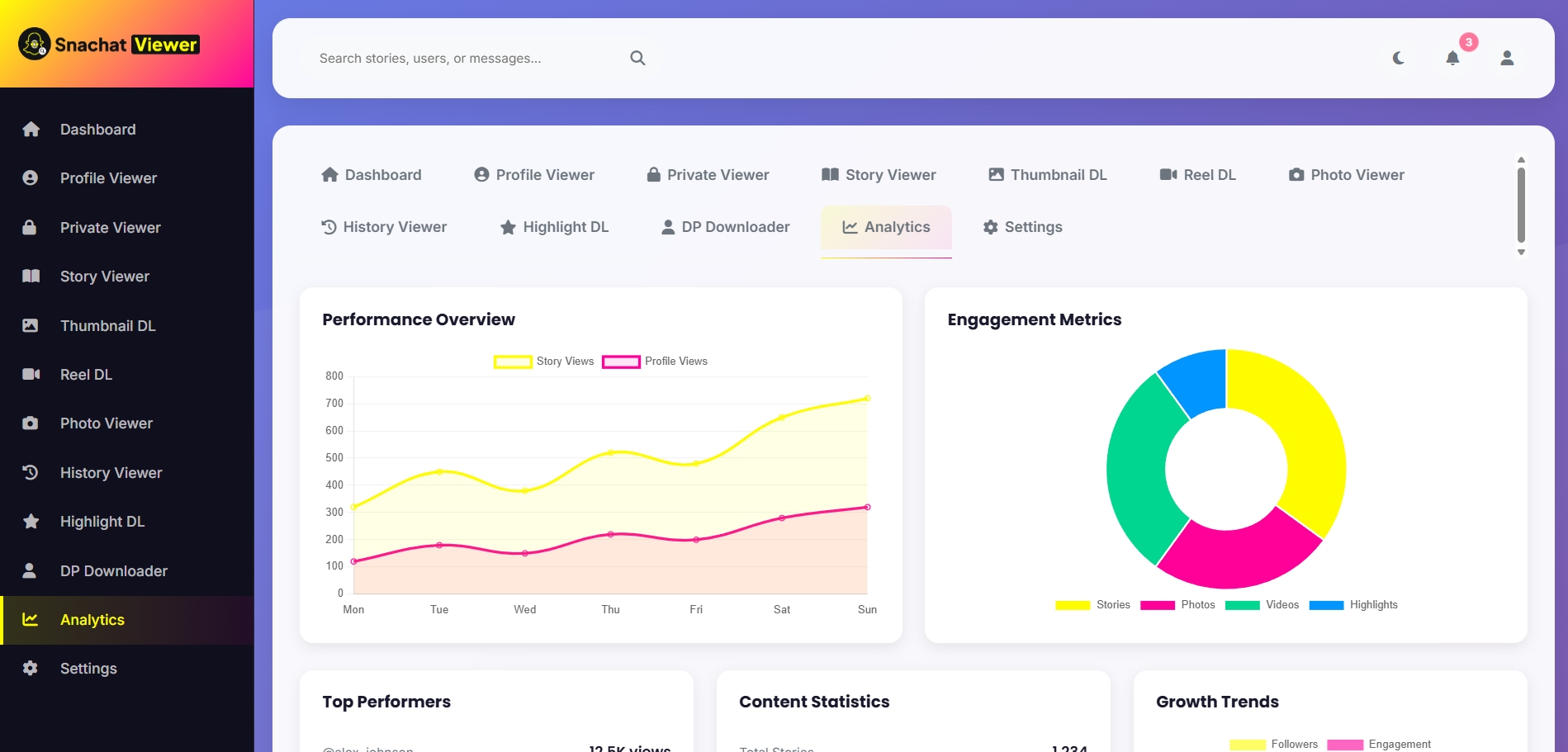
More than a basic profile tool.
Snapchat Viewer supports multiple content types, including profiles, stories, reels, shorts, photos, highlights, thumbnails, and display pictures.
Short-form video content is becoming more popular every day, and users often need quick tools to view or manage reels and shorts. With the Reel and Shorts Viewer, Snapchat Viewer provides a simple way to browse this type of content without extra steps.
Snapchat Viewer FAQs
Quick answers about viewing profiles, stories, reels, shorts, thumbnails, analytics, and supported download features.
Start using Snapchat Viewer today.
No complicated steps. No confusion. Just paste your link and start viewing profiles, stories, reels, shorts, and media using Snapchat Viewer.